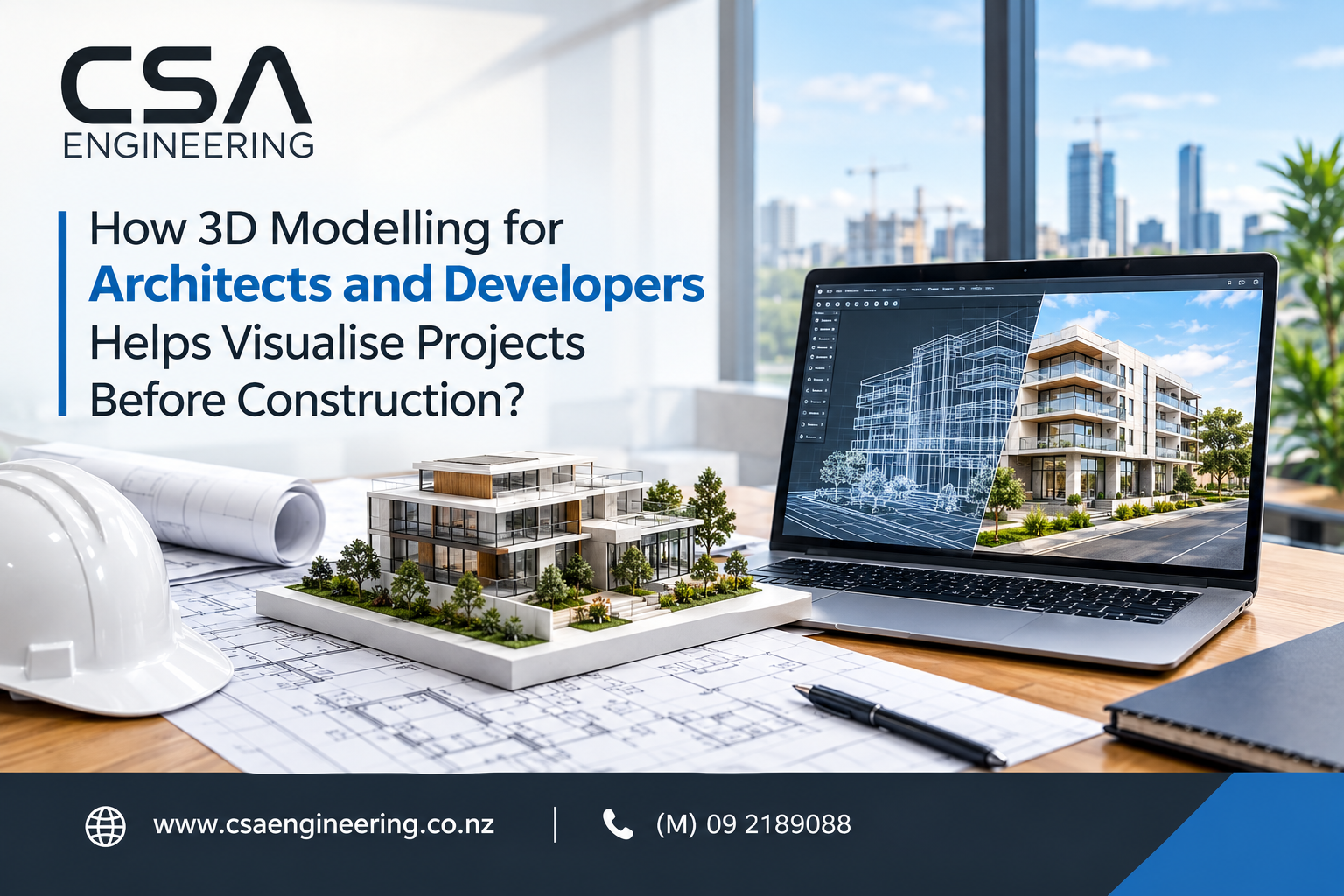
Reading a flat, two-dimensional drawing and accurately picturing a finished building takes years of training. Most clients, investors, and council officers do not have that skill, and that gap is exactly where projects run into trouble. 3D modelling for architects and developers closes this gap by turning technical plans into realistic digital models that anyone can understand at a glance.
Instead of asking stakeholders to imagine a building from lines on paper, project teams can walk them through a lifelike version of the finished design, months or even years before the first foundation is poured. This shift is changing how residential, commercial, and mixed-use developments are planned, approved, and sold across New Zealand.
What Is 3D Modelling and Why Does It Matter for Architects and Developers?
3D modelling for architects and developers is the process of turning 2D drawings into detailed digital building models that show scale, materials, and spatial layout, helping teams visualise a project accurately before construction starts and reducing costly design changes later.
In practice, this means building an intelligent digital model of a proposed structure, then applying realistic materials, lighting, and site context to produce photorealistic renders, walkthroughs, or animations. Many firms build this on a Building Information Modelling (BIM) workflow, using platforms such as Autodesk Revit, Archicad, Lumion, Twinmotion, and Enscape, so the visual model stays linked to the same data used for structural coordination and documentation. You can see how this is applied in practice on CSA Engineering’s 3D modelling and architectural visualisation services page.
The Problem With Relying on 2D Drawings Alone
Traditional floor plans and elevations are accurate, but they are not intuitive. A client looking at a stack of technical drawings has to mentally assemble dozens of lines, symbols, and dimensions into a coherent three-dimensional space, and that process leaves a lot of room for misunderstanding.
Independent research into Building Information Modelling has consistently found that the large majority of firms using 3D coordination report a positive return on the investment, mainly because design conflicts and misunderstandings are caught on screen rather than on site. When a client only sees 2D plans, problems such as an awkward room proportion, a blocked view, or an unworkable material choice often are not spotted until construction is well underway, by which point changes are expensive and time-consuming.
Key Benefits of 3D Modelling for Architects and Developers
Bringing 3D modelling into a project earlier changes how decisions get made. The benefits fall into a few clear categories.
Clearer Communication With Clients and Stakeholders
A realistic render or walkthrough removes the guesswork from a client conversation. Instead of describing a design, architects can show it, which speeds up sign-off and reduces the back-and-forth that comes from misread drawings. This is especially valuable during concept design and planning, when the overall direction of a project is still being agreed.
Early Detection of Design and Structural Issues
Digital models make it far easier to spot clashes between architectural intent and structural or services constraints before drawings are finalised. Catching a clash on screen costs almost nothing; catching the same clash mid-construction can mean demolition, delay, and budget overruns.
Faster Council and Planning Approvals
Council officers assess dozens of applications, and visual clarity helps. Strong visualisation assets can support council consent and compliance submissions by making it easier for reviewers to understand how a proposed building relates to its site, neighbours, and the surrounding streetscape.
Stronger Marketing and Investor Presentations
For developers, photorealistic renders and walkthroughs are also sales tools. Off-plan apartments, townhouse developments, and commercial fit-outs are regularly marketed using 3D visuals well before construction starts, because buyers and investors respond far better to a realistic image than to a floor plan alone.
Better Coordination Across Design Teams (BIM)
When architectural, structural, and services models share the same digital environment, teams work from one coordinated source of truth rather than separate, disconnected drawing sets. This lines up closely with structural engineering and building design work, where coordination between disciplines directly affects build quality and programme.
How Developers Use 3D Modelling to Reduce Project Risk
For developers, the appeal of 3D modelling goes beyond presentation. A visualised model forces early decisions on layout, massing, and material choices, which reduces the chance of expensive redesign once a project reaches detailed documentation or consenting. It also helps developers test different configurations, such as unit mix or site orientation, before committing capital to one direction.
This is particularly useful when a project also involves site works or subdivision, where visualising the development alongside civil engineering considerations such as access, drainage, and earthworks gives a far more complete picture of feasibility than architectural drawings alone.
3D Modelling vs Traditional 2D Drawings: What’s the Difference?
2D drawings are precise and necessary for construction documentation, but they require technical literacy to interpret and rarely convey how a finished space will actually feel.
3D models retain that same underlying accuracy while adding a visual layer that anyone, technical or not, can understand immediately. Most projects still need both: 2D documentation for construction and consenting, and 3D visualisation for communication, review, and marketing.
What to Look for in a 3D Modelling and Visualisation Partner
Not every visualisation is equal, and the quality of the output depends heavily on who builds it. When choosing a provider, it is worth checking for:
- Experience with the same building type, whether residential, commercial, or industrial
- Proficiency with industry-standard software such as Revit, Archicad, Lumion, and Enscape
- Working knowledge of local compliance requirements, so visuals support rather than delay consenting
- A clear, structured review process that allows revisions before final delivery
How CSA Engineering Supports Architects and Developers With 3D Modelling
CSA Engineering has operated as a New Zealand engineering consultancy since 2008, and its architectural design team builds 3D models and renders that are coordinated with structural, civil, and compliance requirements rather than produced in isolation. Visualisation work is developed with reference to the New Zealand Building Code, relevant NZS standards, and council presentation requirements, so the visuals produced can genuinely support planning submissions rather than sit separately from them.
Because the same team also handles structural design and consent support, a model built for a client presentation can be developed further into documentation for construction, rather than starting again from scratch at each project stage.
Conclusion
3D modelling for architects and developers has moved from a nice-to-have into a practical necessity for any project that needs client buy-in, council approval, or investor confidence. It shortens the gap between an idea on paper and a building that people can genuinely picture, and that clarity tends to save time, money, and disagreement further down the track. For architects and developers planning a residential, commercial, or mixed-use project in New Zealand, bringing visualisation in early is one of the simplest ways to reduce risk before construction begins.
Frequently Asked Questions
How much does 3D modelling cost for a development project in NZ? Cost depends on project size, level of detail, and whether the model needs to support council submissions or marketing. A single concept render costs less than a full walkthrough animation across a multi-unit development.
Can 3D models be used for council and resource consent applications? Yes. Well-prepared visualisation assets can strengthen a planning submission by making it easier for council officers to understand how a design fits its site and surroundings, though they support rather than replace required technical documentation.
What software do architects use for 3D modelling and rendering? Common industry platforms include Autodesk Revit, Archicad, Lumion, Twinmotion, and Enscape, often working alongside BIM coordination tools such as Navisworks.
How long does it take to create a 3D model of a building? Turnaround varies with complexity. A concept model for a single dwelling may take days, while a fully detailed, photorealistic multi-unit development can take several weeks.
Is 3D modelling only useful for large developments? No. Even single-home renovations and small extensions benefit, since clients and builders alike make better decisions when they can see the design rather than interpret it from plans.
What is the difference between 3D modelling and BIM? 3D modelling focuses on the visual representation of a design, while BIM is a broader digital workflow that links that model to structural, services, and documentation data for coordinated project delivery.
Ready to visualise your next project? Get in touch with CSA Engineering to discuss 3D modelling and architectural visualisation for your development.